Set up the month
Add shift templates, working hours, and days that need a different schedule.
 Staff scheduling for teams
Monthly staff scheduling.
Create and share staff schedules, collect availability, and handle coverage requests. Staff can see their shifts and hours on iPhone or the web.
Scheduling
Collect availability, assign shifts, then post the schedule for the team.
Add shift templates, working hours, and days that need a different schedule.
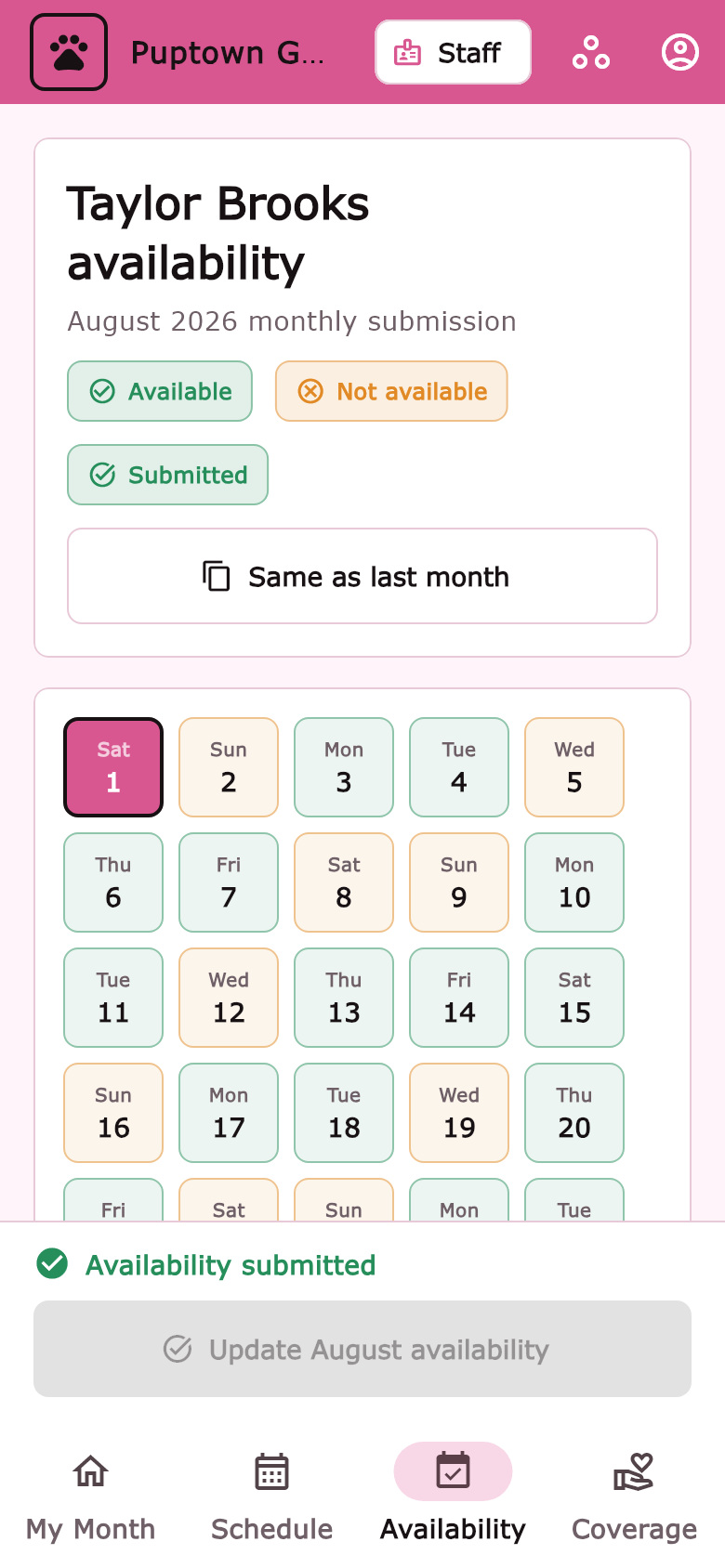
Staff submit the days and times they can work.
Check for gaps, make adjustments, and post the schedule.
Staff can request coverage or a time change for a manager to approve.
Set shifts to cover work before opening or after closing.
Your team's schedules, profiles, and requests aren't public.
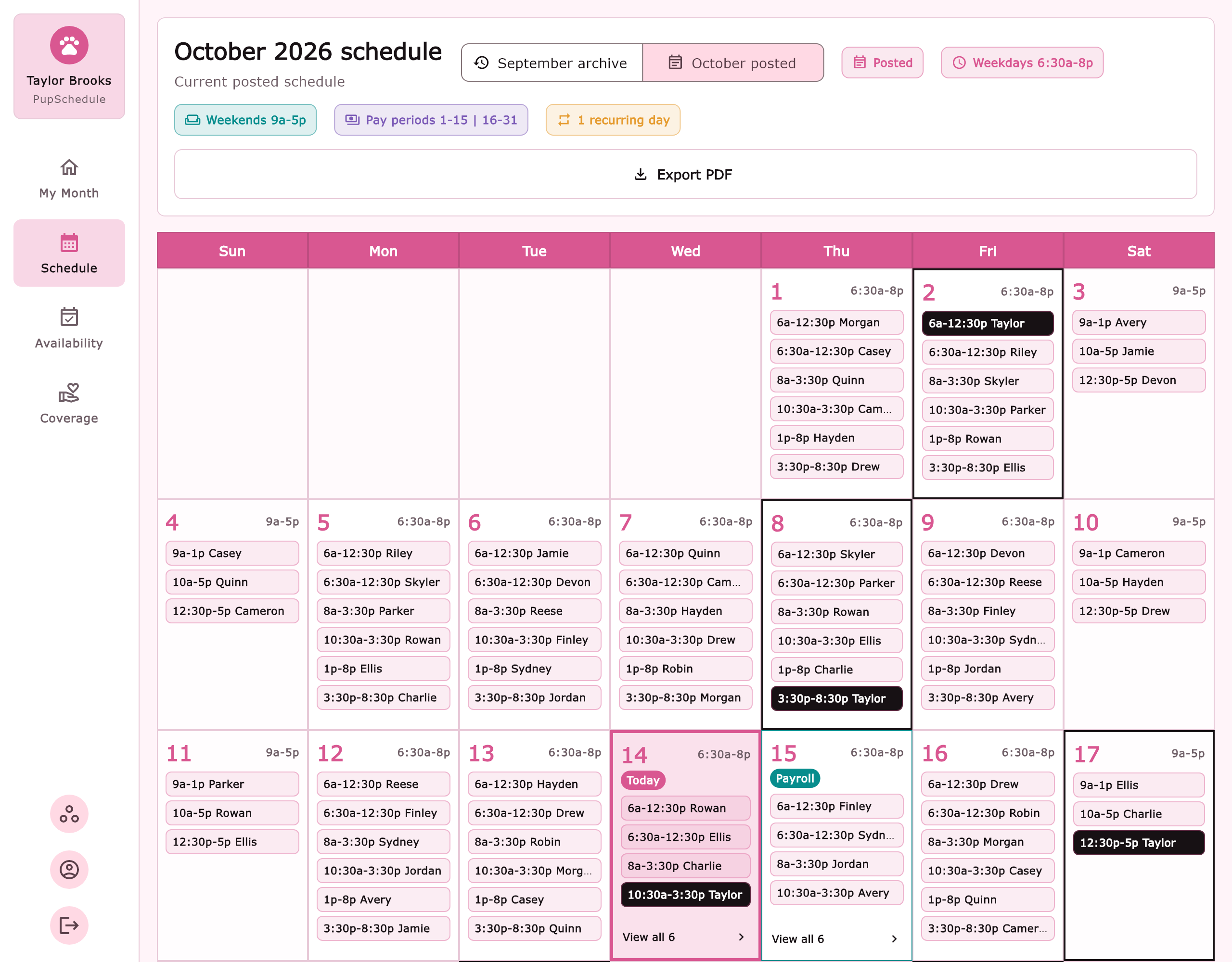
See the month's shifts on the main calendar.
On your phone
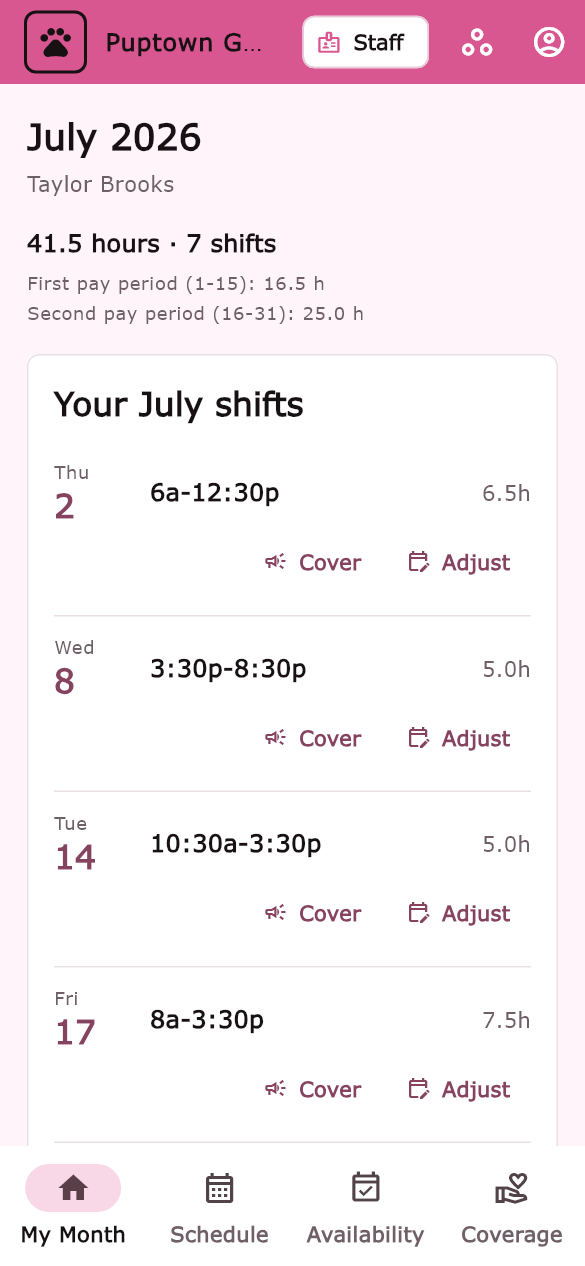
Check your shifts and hours in My Month. Submit availability before the month is posted, and see when it's been received.
Screenshots use sample staff and schedules.